
Most collectors know roughly what they have. But do you still know what you paid, where the invoice is and which little box that one coin is in? For your insurance, for a sale or for your family, that is exactly what counts. The good news: making an overview takes less time than you think. With this step-by-step plan, you can put your collection into AgAurium in one afternoon.
What you need
- Your collection, or the part you are starting with
- Your phone, to take photos
- A quiet spot with good light and a soft surface
- Your invoices and receipts, on paper or as PDFs
- A loupe, gloves and scales, if you have them
Work on a table with a soft cloth, so nothing can fall or get scratched. You can read how to hold coins safely in Handling coins and bars without a seal.
Step 1: create an account and plan your layout (5 minutes)
Create a free account and turn on two-step verification. You are recording what you own, after all, so good security is no luxury.
Do you have different kinds of collectables? Then create several collections, for example “Bullion gold”, “Old coins” and “Stamps”. An item can also be in more than one collection.
Step 2: create your storage places (2 minutes)
Think about which storage places you have: a safe, a drawer, an album, a box in the loft. Give each a clear name, such as “safe, top shelf” or “album 3”. Later you pick that name with one tap for each item.
Only you can see your storage places and receipts. Even if you share your collection, they stay hidden.
Step 3: add your items (2 to 3 hours)
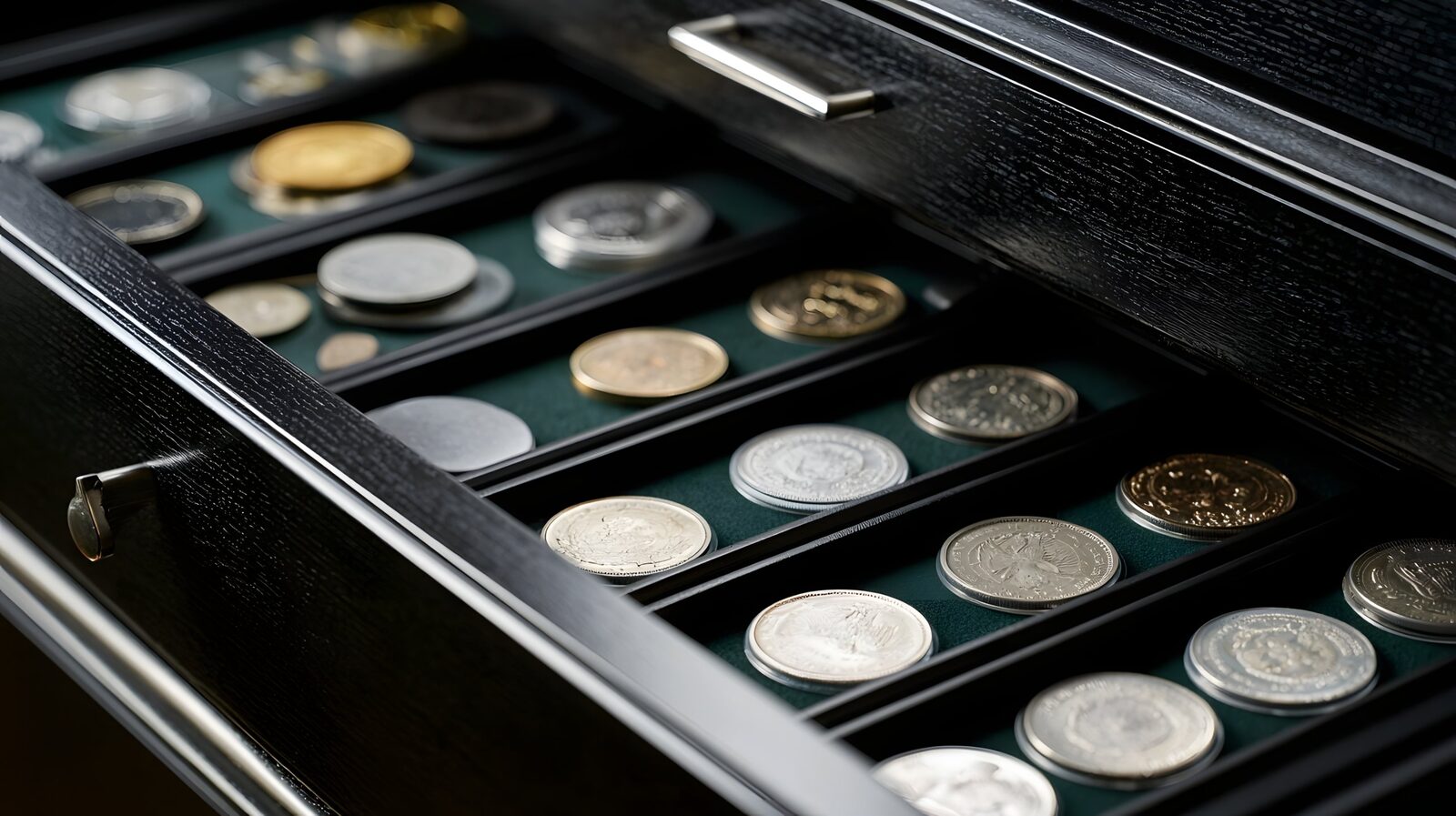
This is the biggest part of the afternoon. Work one storage place at a time: empty one box or drawer, record everything and put it back. That way nothing goes missing.
- Choose from the catalogue. Tap “+ Add item” and start typing. For well-known coins, bars, banknotes and stamps, AgAurium then fills in the weight, fineness, size and country for you.
- Take a photo of the front and back. You can crop and rotate it afterwards. For a banknote, AgAurium can read the text in the photo and fill in the serial number and the year, for example.
- Enter the quantity. Ten identical coins? Then you create one item with a quantity of 10.
- Enter the purchase, if you know it: the date and the price. Put the name of the shop or seller in the notes. Can’t remember? Skip it. You can add it later.
- Choose the storage place and the protection, such as a capsule, a blister or a slab.
Do you have almost identical coins, just with a different year? Use Duplicate and only change the year.
A good photo makes a big difference. Place the piece on a plain background in daylight, not in full sun, and hold your phone straight above it.
Tip: Start with your most valuable pieces. If the afternoon is over before everything is in, at least the most valuable part is recorded. Try AgAurium for free →
Step 4: link your receipts (30 minutes)
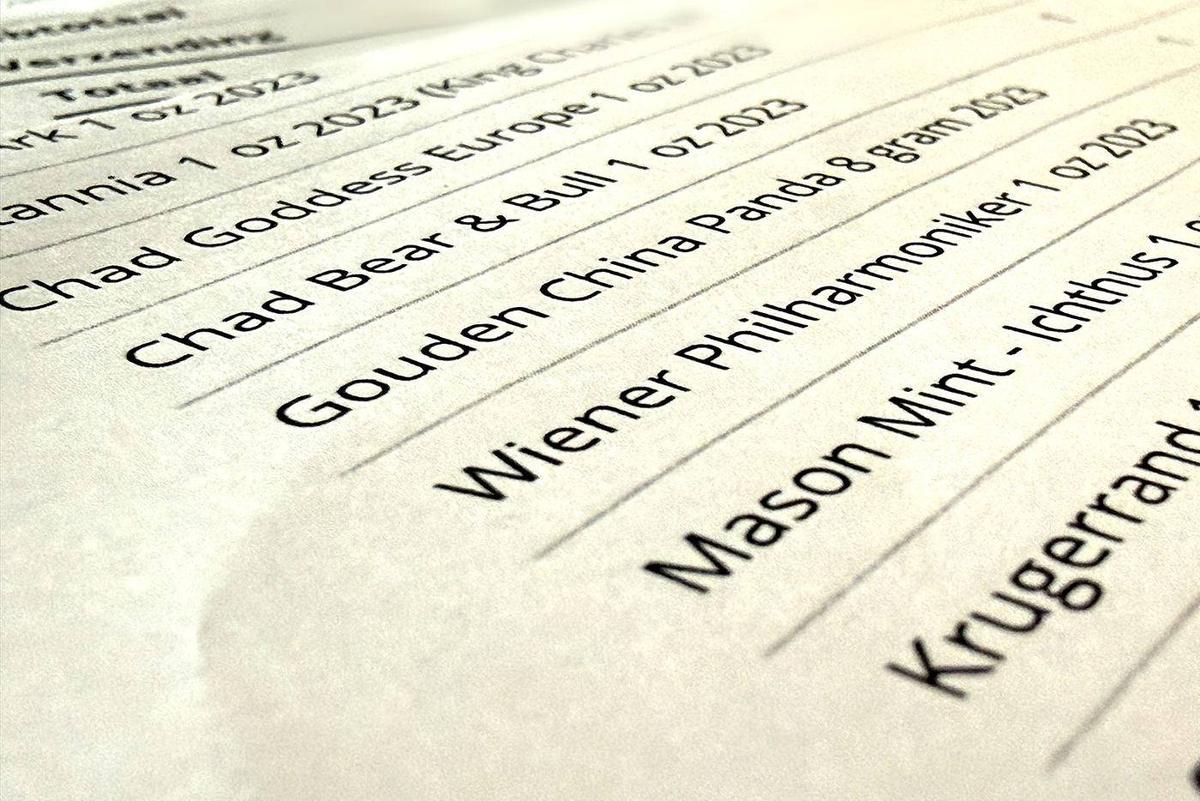
Get out the folder of invoices. Take a photo of each invoice or scan them. Are the files already digital? Then choose the PDF, and link it to the items. One invoice can belong to several items. You can read why that matters so much in Insuring and documenting your collection.
Step 5: check and make an overview (15 minutes)
Go through the list one more time. With Bulk edit you see all your items in one table and change fields directly. Use the top row to fill in a field for all the items shown at once, for example the storage place of a whole box.
Finally, make the overview for home: a PDF with your whole collection, the storage places and an explanation for your family. Print it and keep it with your important papers. Want a backup as well? Export your collection as a CSV file.
How far will you get in one afternoon?
With the catalogue and a bit of practice, recording one item takes a few minutes. So expect around 40 to 60 items in an afternoon. A collection of bullion coins and bars is often done in one go. Hundreds of stamps or banknotes? Start with the most valuable pieces and do the rest in a few short sessions.
Is your collection already in a spreadsheet? Then you can import it as a CSV file. Export a few items from AgAurium first as an example, so you can see which columns AgAurium uses.
What you get in return
- Current value. For gold, silver, platinum and palladium, you see the value at today’s price, and your gain or loss.
- Everything in one place. Photos, invoices, weight, fineness and storage place, also on your phone at a coin fair.
- Peace of mind. If something happens, your family knows what there is and where it is.
AgAurium is free, ad-free, and what you enter is only visible to you, unless you choose to share something. Find it useful? A donation helps to keep it free.
Keep track of your collection with AgAurium
Coins, bars, banknotes, stamps and jewellery in one overview, with photos, live metal prices and proofs of purchase. Free, without ads, in English, Dutch, German, French and Spanish. Your data stays yours.